

DigiNode Tools v0.7.4: DigiByte testnet support, a custom MOTD, a Raspberry Pi guide and more
DigiNode Tools now fully supports the DigiByte testnet: choose mainnet or testnet from a menu, and switch between them whenever you like. There’s an optional custom MOTD that greets you when you log in, step-by-step instructions for setting up a DigiNode on a Raspberry Pi, and wallet backups to a USB stick are now checked.
New to DigiNode Tools? See what it does →
DigiByte testnet support New
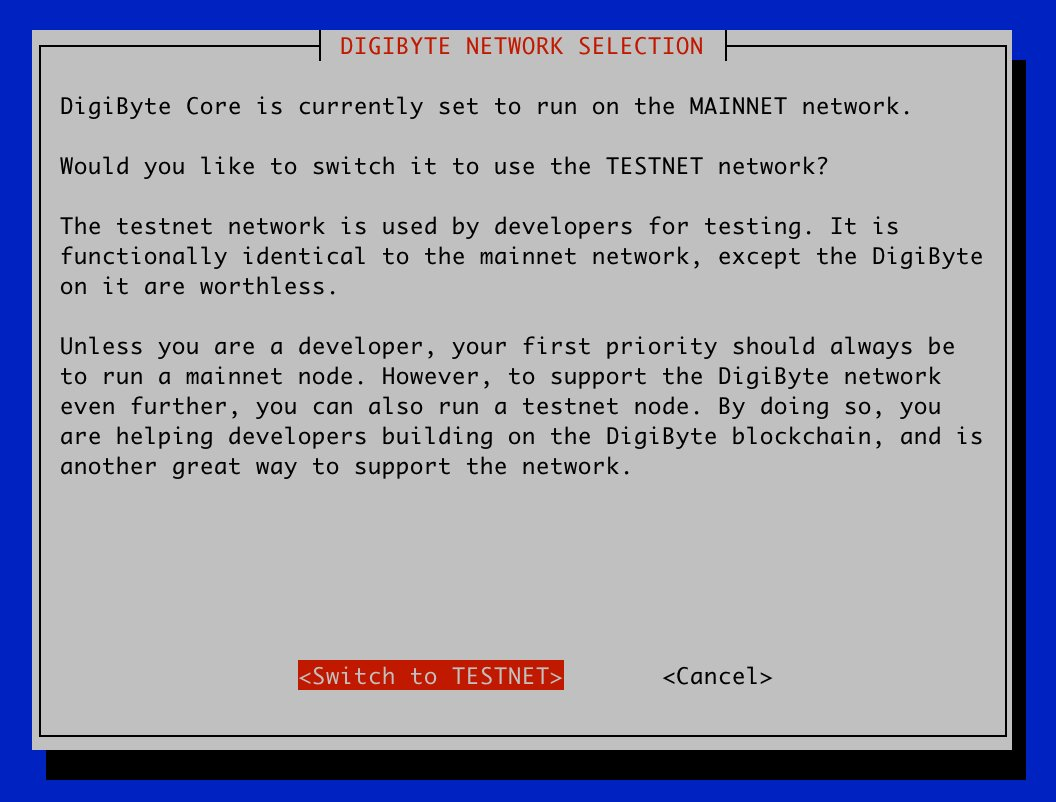
You can now choose whether your DigiNode runs a DigiByte mainnet node or a testnet node, and switch between them from the DigiNode Setup menu. When you switch, it offers to delete the blockchain data of the chain you no longer use. The testnet is used by developers building on DigiByte, so running a testnet node is another great way to support the network.
So that a mainnet DigiNode and a testnet DigiNode can run on the same network, a testnet DigiNode offers to change its hostname to diginode-testnet, uses the testnet RPC port, and moves IPFS to port 4004. The Status Monitor shows when it’s watching a testnet node, and the network can be set in diginode.settings for an unattended install.
A custom MOTD New
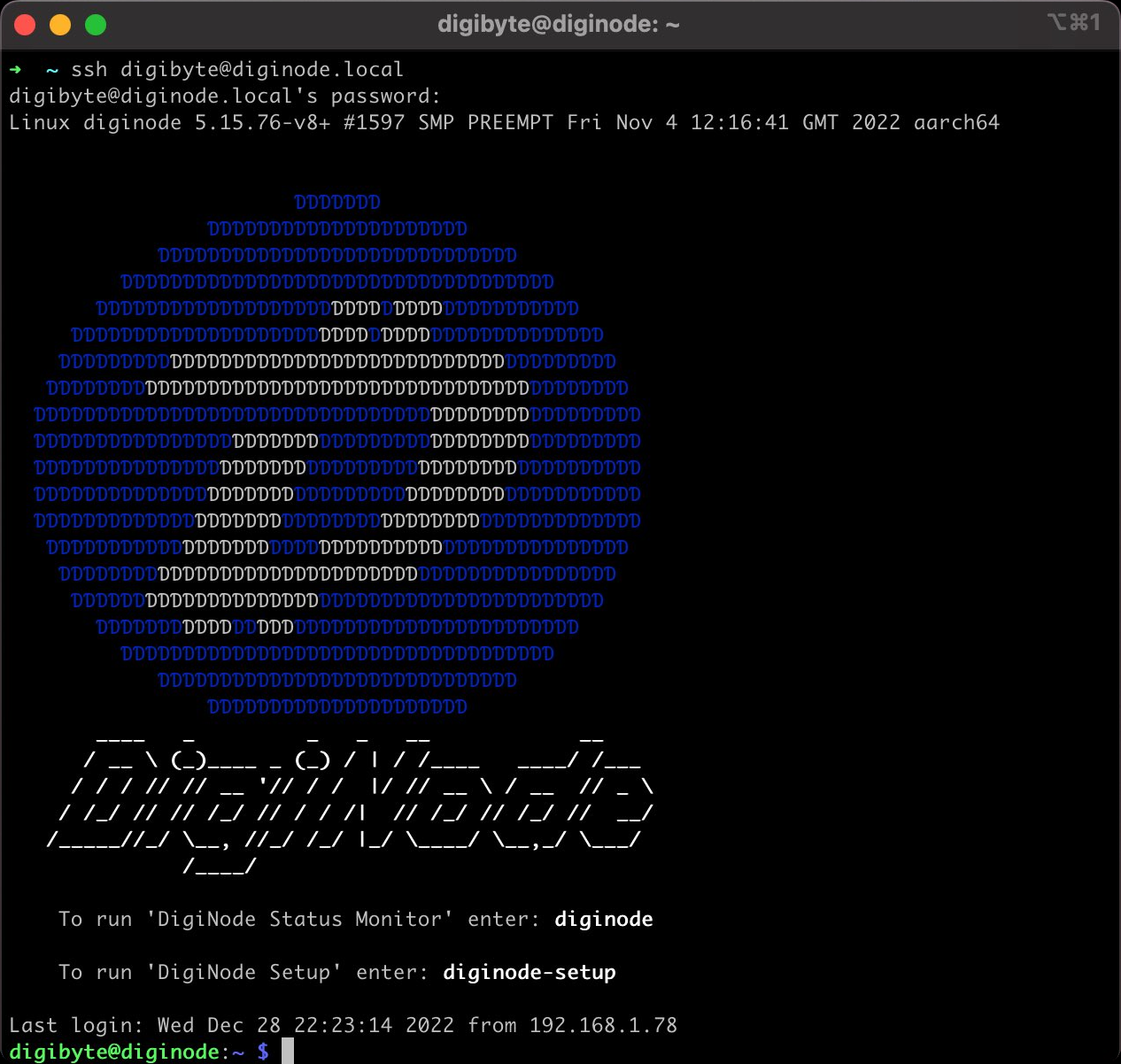
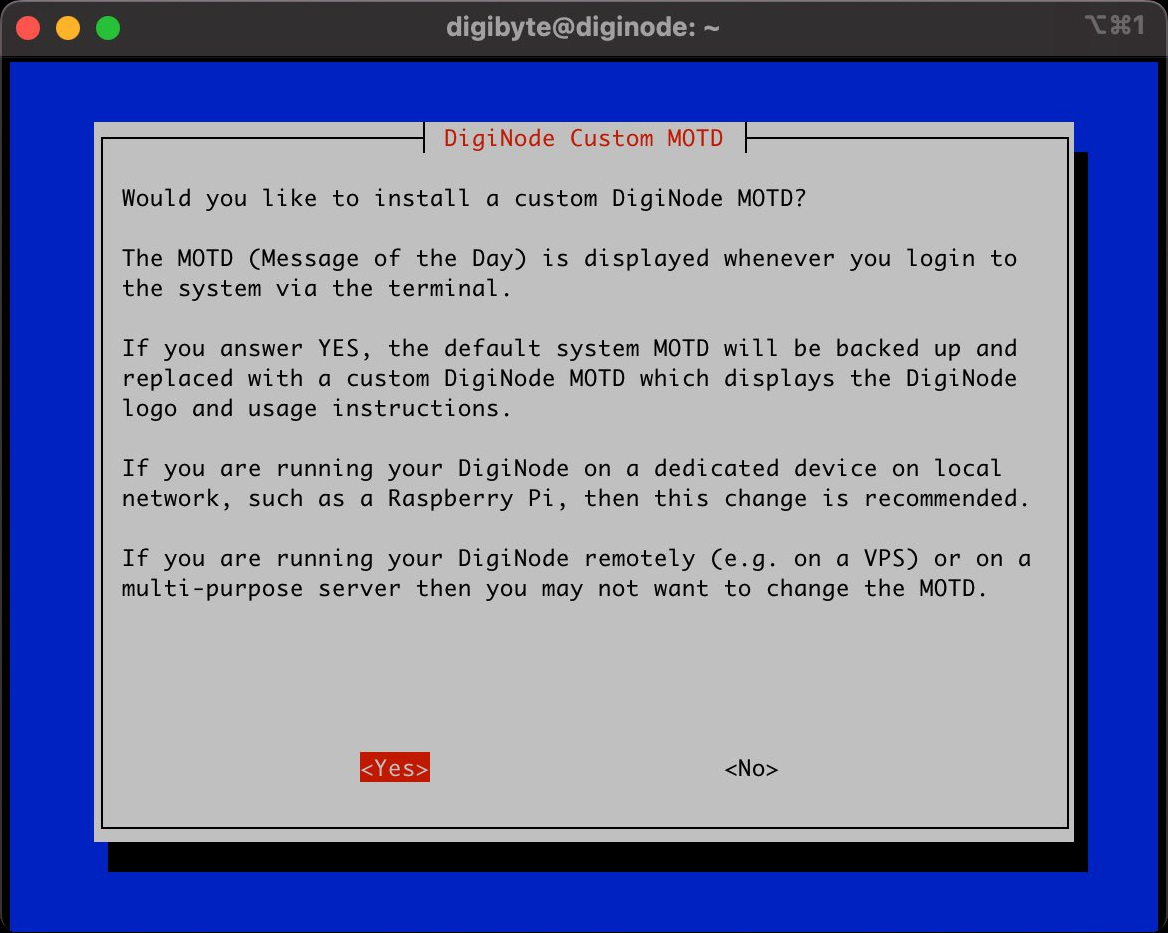
DigiNode Tools can now replace your system’s MOTD (Message of the Day) with a custom DigiNode one, shown whenever you log in from the terminal. It shows the DigiNode logo and reminds you of the commands for DigiNode Setup and the Status Monitor. It’s a small improvement, but a nice one when your DigiNode runs on a dedicated device like a Raspberry Pi.
It’s optional: the first install asks whether you want it, and you can add or remove it from the main menu. Your existing MOTD is backed up, and restored if you remove the DigiNode one.
A Raspberry Pi guide New
There are now step-by-step instructions for setting up a DigiNode on a Raspberry Pi, to make it as easy as possible for anyone to set up a DigiNode, whatever their technical experience. The recommended hardware has been updated too.
Checked wallet backups New
When you back up your wallet to a USB stick, or restore it, DigiNode Setup now compares checksums to make sure the wallet file was copied correctly. A bad copy is unlikely, but when it comes to DigiByte wallets, it’s better to be safe.
Other improvements and fixes
- Improvement More memory for DigiByte Core - On a system with more than 12GB of memory, DigiByte Core’s database cache (dbcache) is now 2GB.
- Fix Menus on Ubuntu - A workaround stops DigiNode Setup’s menus from freezing when installing on Ubuntu.
- Fix Testnet fixes - The Status Monitor shows the right sync progress on testnet, and the mainnet/testnet menu displays correctly.
- Fix Status Monitor - It now starts correctly when digibyted isn’t running, and an unattended update started from it works.
- Fix Smaller fixes - The Argon One fan software in the Extras menu installs correctly,
--locatedgbworks properly, and lots of documentation improvements.
This post covers DigiNode Tools v0.6.6, v0.6.7, v0.7.0, v0.7.1, v0.7.2, v0.7.3 and v0.7.4. Each release’s own notes are on GitHub.
If you run into any issues with this release, please let me know in the DigiNode Tools Telegram group or on GitHub.

Comments
Read new posts in apps such as Leaflet or Standard Reader.
RSS feedView on BlueskyView on Standard ReaderTo comment here as {{handle}}, this site needs one more permission from your Atmosphere account.
Your account's own site (Bluesky's, for most people) will ask you to approve it, and may ask you to sign in there first. Then you'll come straight back here.
Powered by Atmosphere Comments for Astro