


Decentralization needs people
Don't watch DigiByte from the sidelines.
DigiByte is not run by a company. It's run by people around the world who choose to take part. Running your own node is one of the most direct ways to stop watching and become one of them.
No mining rig. No expert knowledge. You don't even need to hold any DGB.
First, what is a node?
The computers that make DigiByte work
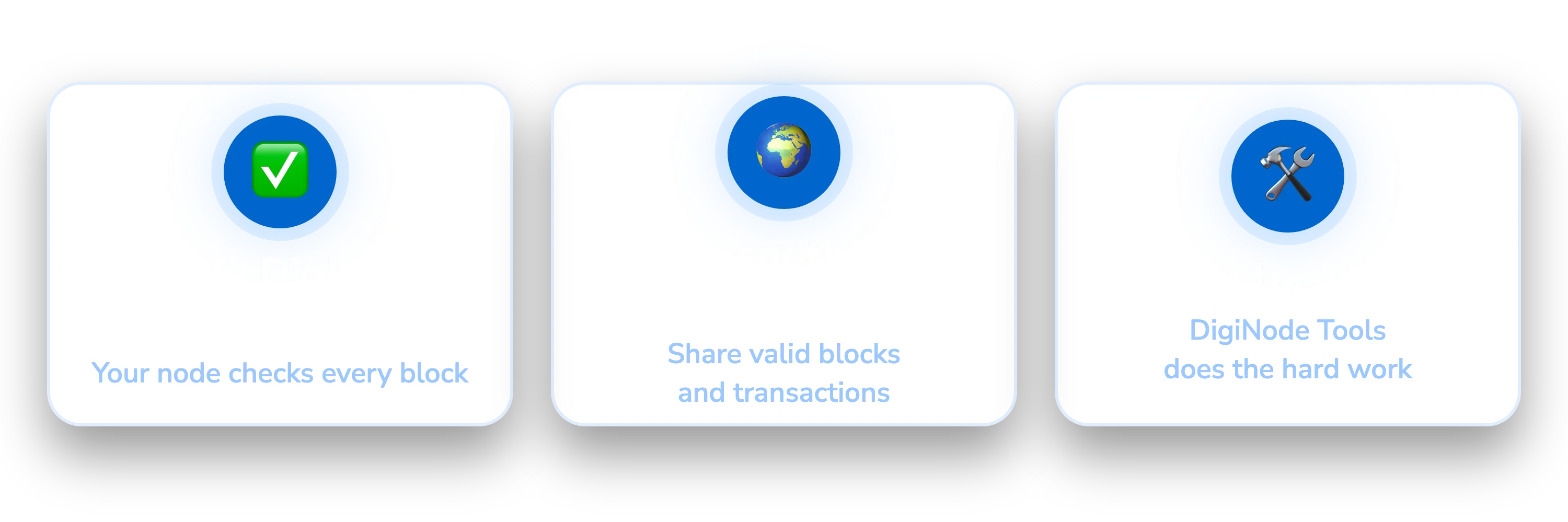
A DigiByte node is a computer that keeps its own full copy of the blockchain, checks every block and transaction against the rules, and passes the valid ones on to other nodes. There's no company server behind DigiByte. The network simply is those computers, run by people who decided to take part.
On the sidelines
- You trust an exchange or a block explorer to tell you what happened
- Other people keep the network running for you
- You read about how DigiByte works
- DigiByte is something you follow
Running a node
- Your own computer checks every block and transaction against the rules
- You're one more independent operator keeping the network going
- You see how it works first-hand, on your own machine
- DigiByte is something you're part of
What you get
Three reasons to run one
Verify it yourself
A full node checks the whole blockchain against the rules built into its software. You don't have to rely on a website or a company to tell you what's true. Use your node's wallet, or connect compatible software to it, and that independent check becomes part of how you use DigiByte.
Strengthen the network
Your node adds another independent participant. When it accepts incoming connections, it also helps other nodes get blocks and stay connected. The more operators, places and internet providers the network is spread across, the more places it has to exchange data.
Get involved
Running a node is a great first step. You learn how DigiByte really works by doing it, and it's hard not to take more interest in a network once your own machine is part of it. From there you could run a Testnet node to help test new DigiByte software, or help others set up theirs.
Decentralization isn't something a project has.
It's something its community builds, one node at a time.
Is it for you?
The questions you might be asking
"I'm not technical."
You don't need to be an expert. With DigiNode Tools you answer simple questions in a menu, and the Raspberry Pi guide takes you through it step by step.
"Do I need special hardware?"
No mining rig. A small computer like a Raspberry Pi, or a Linux computer or server, with enough storage and a reliable internet connection. Check the system requirements before buying anything: a machine you already own may be enough.
"Is running a node the same as mining?"
No. Miners produce new blocks through proof of work, and full nodes check them against the rules. You don't need a mining rig to run a node, and you don't have to mine to help the network.
"Do I need to own DGB?"
No. You can run a node simply to support the network. You don't have to keep funds on it, and if you do use its wallet, keeping secure backups is part of looking after it.
"Will it earn me money?"
Not on its own. A full node doesn't earn mining rewards or passive income. However, you can mine to your full node, and this is something I am hoping to make even easier soon.
"Does one node make a difference?"
Each node is a modest contribution. It matters because many people make it together, and the network is only ever made up of the people who do.
What it takes
- A small computer like a Raspberry Pi, or a Linux computer or server. Check the system requirements before buying anything: a machine you already own may be enough.
- Storage, a reliable internet connection, and some time for the first blockchain sync.
- After that, just electricity, bandwidth and an occasional look at updates.
- No screen or keyboard needed: manage it remotely from your main computer.
Convinced? Here's the easy way
DigiNode Tools makes it easy
You can run a node with the DigiByte desktop wallet on your everyday computer. But a node does the most good when it never stops, so DigiNode Tools runs it on its own device that you can set up once and leave running. It's free, and its code is public.
With DigiByte Desktop
- On your computer, it's hard to keep running 24/7, particularly on a laptop
- It only helps the network while your computer and the wallet are open
- The blockchain uses a lot of space on your computer
- Difficult to run over Tor
- Awkward to run mainnet and testnet together
- You look out for new versions and install them yourself
With DigiNode Tools
- Set it up once and forget about it
- Stays running 24/7, even when your main computer is off
- Runs on another device, but is easy to monitor and manage from your main computer
- Doesn't fill up your main computer's drive
- Run it over Tor with a simple menu choice
- Run a mainnet node and a testnet node on the same machine
Ready to get off the sidelines?
- Pick your machineA Raspberry Pi or a Linux computer or server.
- Run DigiNode SetupAnswer a few simple questions in the menus.
- Let it syncYour node downloads and checks the blockchain.
- Open your portThen check it with the Port Tester.