


DigiNode Tools v0.6.5: A DigiByte port test, UPnP settings, swap files and more
The Status Monitor can now test whether your DigiByte node’s port is open. DigiNode Setup asks whether to use UPnP to forward your ports automatically, and offers to create a swap file, so a DigiByte Node and a DigiAsset Node can run smoothly together on an 8GB device. The Status Monitor is clearer and kinder to your device too.
New to DigiNode Tools? See what it does →
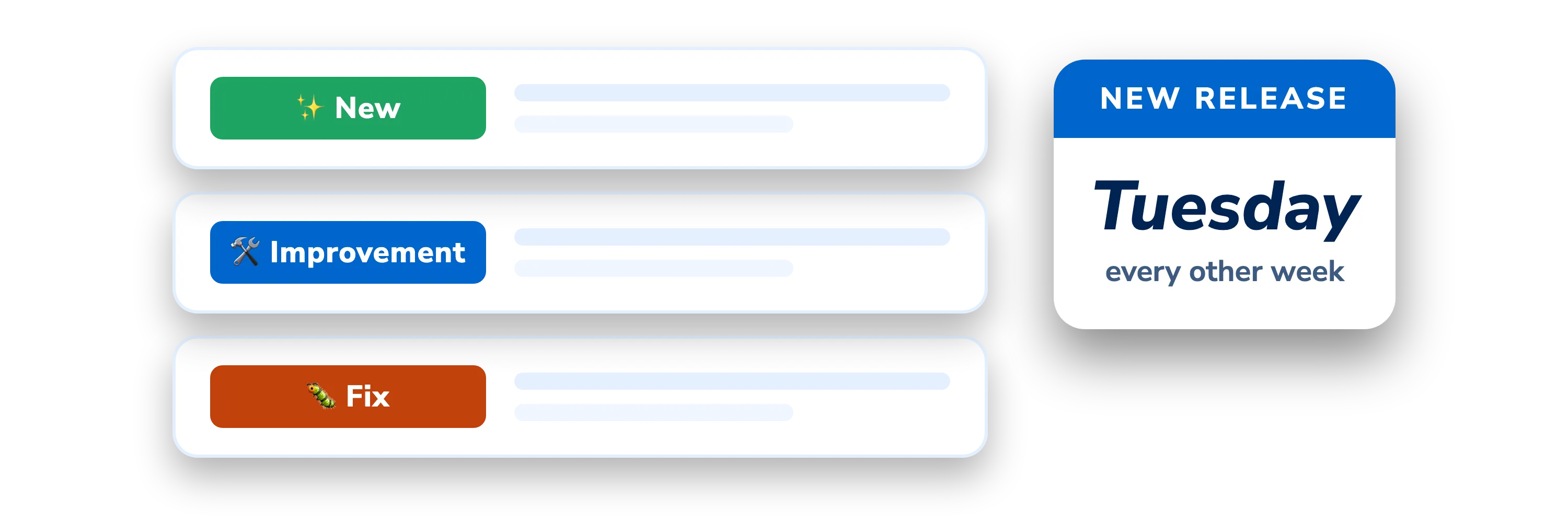
A DigiByte port test New
The Status Monitor can now check whether your DigiByte node’s port is open, using a DigiByte port test developed by Renzo Diaz for the DigiByte Alliance. It works with non-standard ports as well as port 12024, and it switches itself back on if your port changes after passing the test. If the testing site is down or busy, it no longer shows an error.
UPnP settings New
When you first install DigiNode Tools, DigiNode Setup asks whether to turn on UPnP for DigiByte Core and IPFS, so your router can forward their ports automatically. You can turn it on or off later from the main menu, and for an unattended install it’s read from diginode.settings.
Swap files New
DigiNode Setup now offers to create a swap file if your memory and swap together come to less than 12GB. This stops DigiByte Core running out of memory on an 8GB device that’s also running a DigiAsset Node. The recommended total has gone up from 8GB to 16GB, so on an 8GB device it suggests an 8GB swap file. Swap files can now be created on Debian as well as Ubuntu, and the Status Monitor shows how much swap is free.
Other improvements and fixes
- New IPFS server profile - When you first install, DigiNode Setup asks whether to use IPFS’s server profile, which turns off local discovery. It’s useful for a DigiAsset Node on a server with a public IP address.
- New Tidier uninstall - Uninstalling the DigiAsset Node can now delete the ~/.jsipfs folder too.
- Improvement DigiAsset Node v4 - DigiNode Tools now needs DigiAsset Node v4, which works properly with Kubo IPFS. Until v4 is released, it installs the development version.
- Improvement A clearer Status Monitor - It shows each step as it starts up, instead of what looked like a frozen screen. DigiByte’s starting-up messages are yellow, to show the problem is temporary, and it’s better at telling whether your DigiNode is online.
- Improvement Easier on your device - The Status Monitor now quits by itself after 20 minutes, and says so. You can press Q to quit, in case Ctrl-C doesn’t work.
- Fix Lots of fixes - Key presses no longer show as codes when scrolling, swap files are created properly on Debian 11, and many other bugs and formatting problems are fixed.
This post covers DigiNode Tools v0.6.0, v0.6.1, v0.6.2, v0.6.3, v0.6.4 and v0.6.5. Each release’s own notes are on GitHub.
If you run into any issues with this release, please let me know in the DigiNode Tools Telegram group or on GitHub.

Comments
Read new posts in apps such as Leaflet or Standard Reader.
RSS feedView on BlueskyView on Standard ReaderTo comment here as {{handle}}, this site needs one more permission from your Atmosphere account.
Your account's own site (Bluesky's, for most people) will ask you to approve it, and may ask you to sign in there first. Then you'll come straight back here.
Powered by Atmosphere Comments for Astro