


DigiNode Tools v0.5.6: Port tests, your wallet balance, an Extras menu and more
The Status Monitor can now test whether your DigiByte and IPFS ports are open, shows your wallet balance, and works with just a DigiAsset Node. DigiNode Tools runs better on a VPS, the DigiAsset Node now uses Kubo for IPFS, and a new Extras menu installs the fan software for the Argon ONE case.
New to DigiNode Tools? See what it does →
Port tests New
The Status Monitor now tests whether your DigiByte port (12024) and your IPFS port are open. Once a port is open, its test is hidden, and it comes back automatically if your external IP address or IPFS port changes. The IPFS status turns red if its port is blocked.
Your wallet balance New
The Status Monitor can show your DigiByte wallet balance, when there’s a balance to show. To hide it, set SM_DISPLAY_BALANCE in diginode.settings. The backup reminder now only appears when your wallet has a balance too.
The Status Monitor with just a DigiAsset Node New
The Status Monitor now works with only a DigiAsset Node, without DigiByte Core. It notices when the DigiAsset Node goes offline and comes back, shows whether it has a payout address, and the --locatedgb flag tells it where an existing DigiByte install folder is.
An Extras menu New
The new Extras menu in DigiNode Setup can install the fan software for the Argon ONE case for the Raspberry Pi 4.
Other improvements and fixes
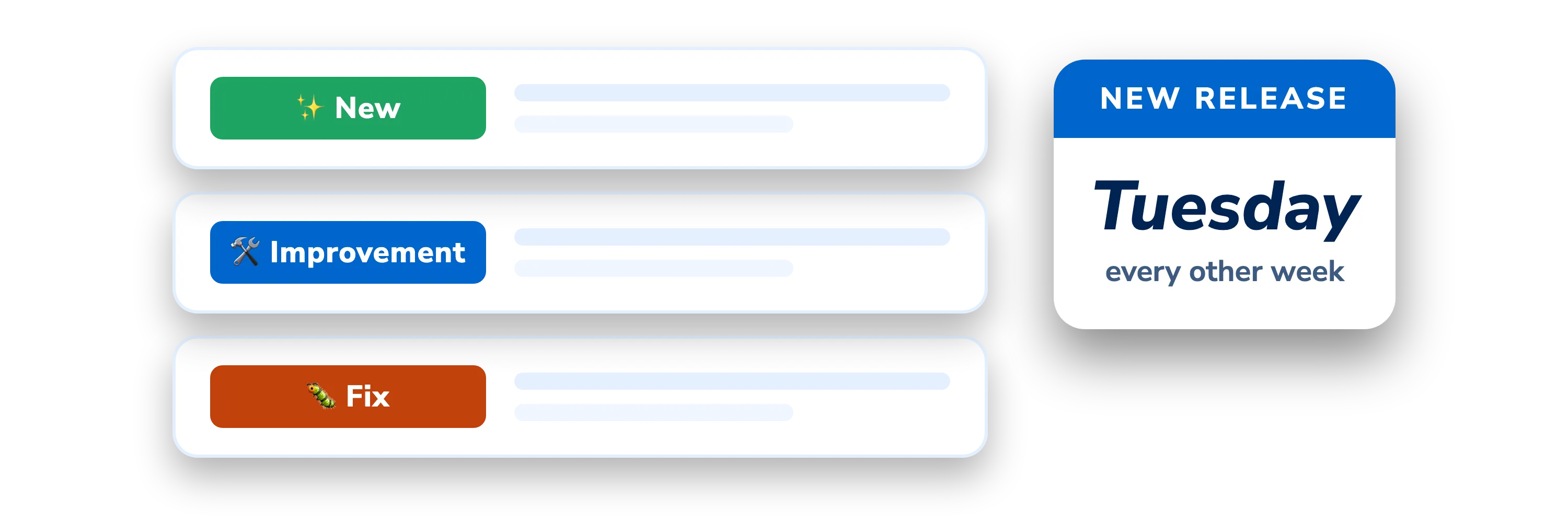
- New Better on a VPS - Assorted fixes make DigiNode Tools easier to run on a VPS, and the
--skipupdatepkgcacheflag skips the package update check at startup, for a VPS that won’t allow it. - New Kubo for DigiAssets - The DigiAsset Node now uses Kubo for IPFS, rather than js-IPFS, when Kubo is installed.
- New Easier reading - Block counts have commas between the thousands, and disk usage turns red at 80% or more.
- New Safer downloads - DigiNode Setup checks that the DigiByte Core download finished properly, and if a Kubo download fails, it restarts the version you had.
- New Status Monitor quits by itself - It now quits after an hour by default.
- New Unattended installs - The
--skipcustommsgflag skips the offer to customise diginode.settings at first run. - Improvement Clearer messages - Clearer closing messages and wallet restore messages, and the cloud IP address is hidden when it’s the same as the internal one.
- Fix Node.js - The DigiAsset Node is only installed with Node.js 16 or later, and the NodeSource repository is added again if needed.
- Fix Lots of fixes - Upgrading from a DigiAsset Node to a full DigiNode, duplicate PM2 processes, restarting PM2, uninstalling only what’s installed, the downloads renamed from go-ipfs to kubo, and many formatting problems.
This post covers DigiNode Tools v0.4.0 to v0.5.6 (13 releases). Each release’s own notes are on GitHub.
If you run into any issues with this release, please let me know in the DigiNode Tools Telegram group or on GitHub.

Comments
Read new posts in apps such as Leaflet or Standard Reader.
RSS feedView on BlueskyView on Standard ReaderTo comment here as {{handle}}, this site needs one more permission from your Atmosphere account.
Your account's own site (Bluesky's, for most people) will ask you to approve it, and may ask you to sign in there first. Then you'll come straight back here.
Powered by Atmosphere Comments for Astro