Introduction
DigiByte runs on a network of computers operated by people around the world. Running a DigiNode is one way to take part: you operate your own node, check the blockchain independently, and help share valid transactions and blocks with other participants.
DigiNode Tools makes setting up and managing that node more approachable.
Verify DigiByte for yourself
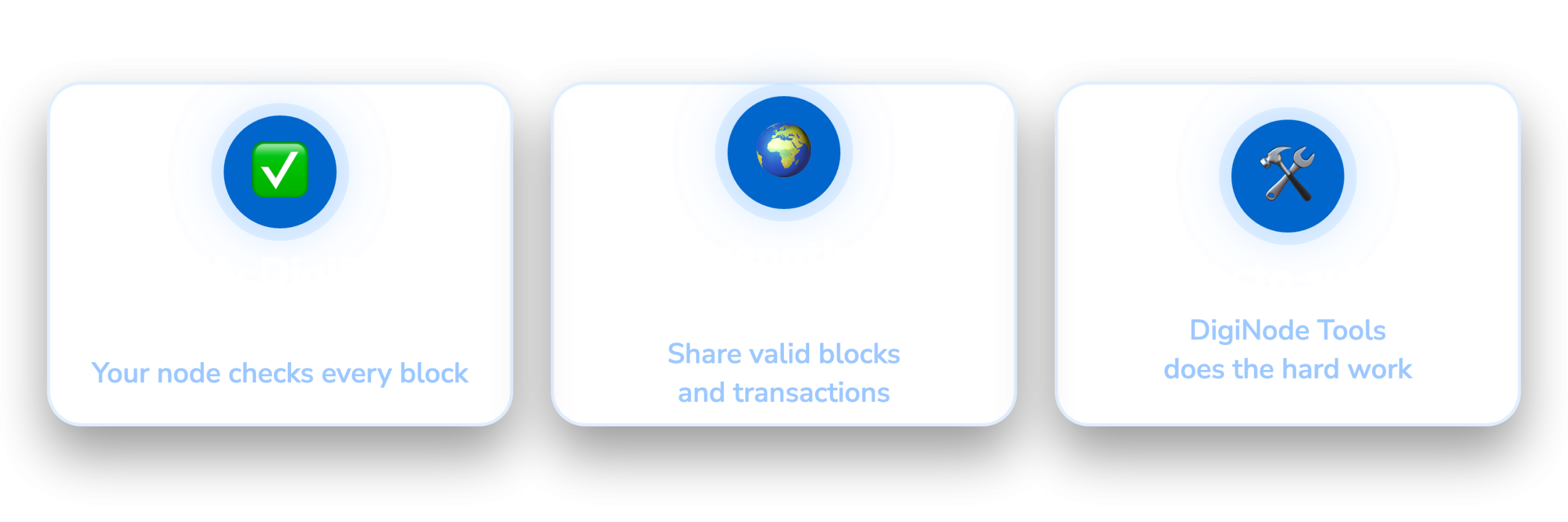
A DigiByte full node checks transactions and blocks against the rules built into its software. It verifies the blockchain independently, rather than relying on a block explorer or another service to tell it what happened.
If you use your node’s wallet, or connect compatible software to it, that independent verification becomes part of how you use DigiByte.
You can also run a node simply to support the network. You don’t need to hold DGB to participate.
Contribute to a network people can rely on
Decentralization depends on people operating infrastructure independently.
A node you run adds another participant to the network. When it accepts incoming connections, it can also help other nodes obtain blocks and stay connected. Nodes spread across different operators, locations and internet providers give the network more places to exchange data.
The contribution is modest, but useful: you provide a service that other participants can use, just as your node uses theirs.
Running a node is different from mining. Miners produce blocks through proof of work; full nodes check those blocks. Running a standard DigiNode does not earn mining rewards or provide passive income.
Make setup and maintenance easier
Setting up a node manually involves installing software, configuring it and keeping track of its operation. DigiNode Tools brings much of that work into a menu-driven interface.
DigiNode Setup helps you install and manage your node. DigiNode Dashboard shows its status, connections and resource usage, making it easier to see whether everything is running as expected.
You can run a DigiByte Mainnet node, a Testnet node for people who want to help test DigiByte software, or both together (a Dual Node).
What does running one involve?
You’ll need a compatible computer, storage, a reliable internet connection and some time for the initial blockchain sync. After that, your node needs electricity, bandwidth and occasional attention to updates.
DigiNode Tools supports compatible Raspberry Pi devices and Ubuntu or Debian systems. You can manage the device remotely from your main computer, so it doesn’t need its own screen or keyboard for everyday use.
Check the current system requirements before buying hardware. An existing compatible machine may be enough to get started.
You don’t have to keep funds on the node. If you choose to use its wallet, keeping secure backups is part of looking after it.
Get started
Running a DigiNode is a practical way to learn how DigiByte works and contribute to its infrastructure. You get a blockchain you can verify yourself, and the network gets another independent participant.
Choose a setup guide below to get started.